A practical guide to deciding whether your smart home really needs one.
If you’ve started buying smart home devices, you’ve probably seen the Tuya name everywhere. Tuya powers thousands of affordable plugs, bulbs, sensors, curtain motors and switches sold under hundreds of brands, and many of them work through the Smart Life or Tuya Smart app. Sooner or later you’ll run into a product called a Tuya gateway (or hub) and wonder: do I actually need one?
The honest answer is: it depends on the devices you own. This article explains what a gateway does, when it’s worth buying, when it’s a waste of money, and what you gain when you do need one.
What a Tuya gateway actually does
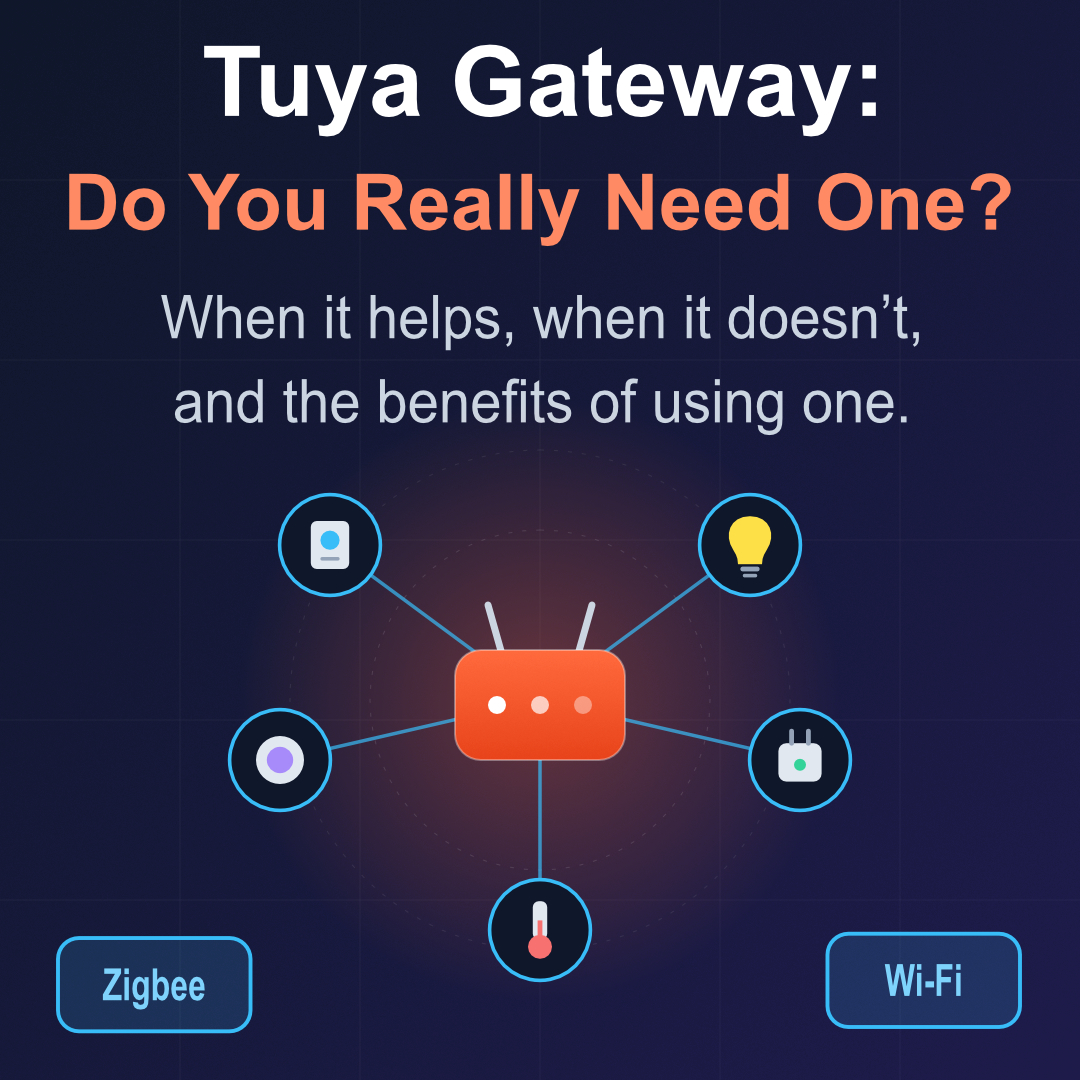
A gateway is a small device that plugs into power and connects to your router. Its job is to act as a translator between your home network and devices that don’t speak Wi-Fi. Depending on the model, it supports one or more of these protocols:
- Zigbee, a low-power mesh protocol used by sensors, buttons, smart bulbs and many battery devices.
- Bluetooth (and Bluetooth Mesh), used by small, cheap devices and some locks and sensors.
- Sub-GHz / RF 433 MHz, used by older remotes, blinds and some alarm accessories.
- Infrared (IR), on some multi-function hubs, to control TVs and air conditioners.
Wi-Fi Tuya devices connect straight to your router. Everything else needs a gateway to be reachable from the app, from automations, and from voice assistants.
When a Tuya gateway is useful
1. You own Zigbee devices
This is the number one reason. Zigbee door sensors, motion sensors, temperature and humidity sensors, water leak detectors and wireless buttons are cheap, tiny and run for a year or more on a coin cell. They can’t connect to Wi-Fi at all, so without a Zigbee gateway they are useless.
2. You want a lot of devices without crowding your Wi-Fi
Every Wi-Fi device takes a connection slot on your router. Many home routers get unstable once you pass 30 to 50 connected devices. Moving sensors, bulbs and switches onto Zigbee takes them off your Wi-Fi entirely, which improves reliability for everything else.
3. You need battery-powered devices
Wi-Fi is power hungry. Battery sensors on Wi-Fi often last only weeks or a few months. Zigbee and Bluetooth devices are designed for long battery life, and the gateway is what makes them usable.
4. You want faster, more reliable automations
Zigbee devices talk to each other through the gateway over a local mesh. A motion sensor turning on a light is typically fast and doesn’t have to wait for a round trip to the internet. Many Tuya gateways can run automations locally, so basic scenes keep working even if your internet connection drops.
5. You have a large or multi-story home
Powered Zigbee devices such as plugs and bulbs act as repeaters and extend the mesh. In a bigger house, this often gives better coverage than depending on Wi-Fi signal reaching every corner.
6. You want to control IR or RF devices
If you want your voice assistant or phone to control an old air conditioner, TV or radio-controlled blind, a multi-mode hub with IR or RF support is the practical way to do it.
When a Tuya gateway is not useful
1. All your devices are Wi-Fi
If you only have Wi-Fi plugs, Wi-Fi bulbs and Wi-Fi cameras, a gateway adds nothing. They already connect directly. Buying a hub “just in case” is wasted money.
2. You only have a few WiFi devices
If you own two or three smart plugs and a bulb, your router will handle them without trouble. A gateway only starts to pay off as your device count grows.
3. Your devices use a different ecosystem
A Zigbee sensor tied to another brand’s hub, or devices built around Matter, Thread, Apple Home, or Philips Hue, won’t automatically work with a Tuya gateway. Check compatibility before buying, because Zigbee devices from different brands are not always interchangeable in practice.
4. You already run a Zigbee setup
If you use Home Assistant with a Zigbee USB dongle, or another existing hub, a second gateway is redundant and can even cause confusion. One Zigbee coordinator per network is the rule.
5. You expect it to work without the cloud
Most Tuya setups still rely on the Tuya cloud for remote access and some features. A gateway improves local speed and reliability for some automations, but it does not turn Tuya into a fully offline system. If total local control and privacy are your main goals, you may prefer a different hub or a local-first setup.
The benefits of using a gateway when you need one
When your devices call for it, a Tuya gateway gives you real advantages:
- Access to a much wider range of devices. Sensors, buttons and low-power gadgets that can’t use Wi-Fi become available to you.
- Better battery life. Zigbee and Bluetooth devices can run for many months or years on one battery.
- A calmer Wi-Fi network. Offloading devices from your router reduces congestion and dropouts.
- Faster response times. Local communication means lights and switches react almost instantly to sensors and buttons.
- A stronger mesh. Mains-powered Zigbee devices extend range automatically, improving coverage across the house.
- More resilient automations. Local scenes can keep running during an internet outage.
- Lower cost per device. Zigbee sensors are generally cheaper than their Wi-Fi equivalents, so savings add up as you expand.
- Voice assistant and app integration. Everything is controlled from one app and works with Alexa and Google Assistant.
A quick decision guide
Buy a gateway if: you plan to use Zigbee or Bluetooth sensors, you want battery-powered devices, you’re passing roughly 20 to 30 smart devices, or you want IR/RF control from your phone.
Skip the gateway if: everything you own is Wi-Fi, you only have a handful of devices, or you already have a working hub you’re happy with.
Final thoughts
A Tuya gateway isn’t a must-have for every smart home. It’s a tool that solves specific problems: connecting non-Wi-Fi devices, protecting your network from overload, and making automations faster and more dependable. If your setup is small and Wi-Fi only, save your money. If you’re building something bigger, with sensors and battery devices, a gateway is one of the best-value upgrades you can make.
Before buying, check which protocol your devices use (Zigbee, Bluetooth or Wi-Fi) and make sure the gateway you choose supports it. That one check will save you from the most common smart home purchasing mistake.