Why Your Smart Devices Deserve Their Own Wi-Fi Network
Your home probably has more connected devices than you think: a smart TV, a video doorbell, a robot vacuum, a thermostat, smart bulbs, a voice assistant, maybe even a connected fridge. Most of them join the same Wi-Fi network as your laptop, your phone and your work files. It’s convenient. It’s also one of the easiest ways to put your digital life at risk.
The fix is simple: create a separate Wi-Fi network just for your connected devices. Here is why it matters.
1. Smart devices are the weakest link
A laptop or a phone receives frequent security updates, runs antivirus protection and is built by companies with large security teams. Many Internet of Things (IoT) devices are the opposite. They are cheap, built to hit a price point and rarely updated. Some ship with default passwords like “admin” that nobody changes. Others stop receiving updates after a year or two, leaving known vulnerabilities open forever.
When one of these devices sits on the same network as your computer, a single compromised smart plug can become a doorway to everything else.
2. A hacked gadget should not reach your personal data
On a typical home network, every device can “see” every other device. If an attacker takes control of an insecure camera or speaker, they can start scanning the network for other targets: your computer, your network storage, your phone, your work laptop.
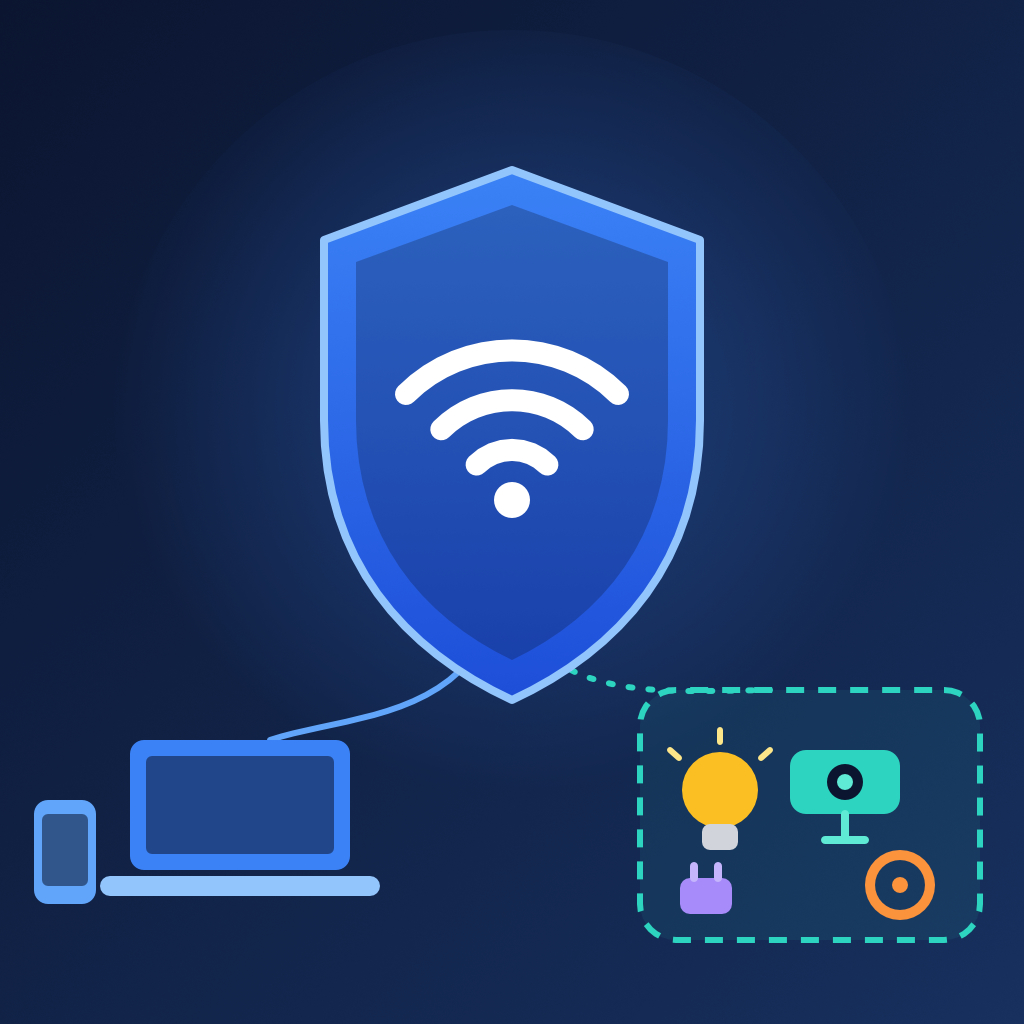
A dedicated IoT network works like a closed room. Even if a smart bulb is compromised, the attacker is stuck in that room. Your banking sessions, family photos and work documents live on a different network the bulb cannot reach. Security professionals call this network segmentation, and it is one of the most effective defenses there is.
3. It protects your work and your privacy
Remote work has made home networks part of the corporate perimeter. A company laptop sharing a network with a dozen unknown gadgets is a risk for you and for your employer. Separating devices reduces the chance that a weak toy or appliance becomes the entry point for a data breach.
Privacy matters too. Many connected devices constantly send data to the cloud. Keeping them apart lets you control what they can talk to, and stops them from discovering and communicating with your other devices.
4. Better performance and reliability
Security is not the only benefit. Dozens of small devices constantly pinging servers add background traffic. Many of them also only support the older 2.4 GHz band. Putting them on their own network keeps that chatter away from your streaming, video calls and gaming, and lets you tune settings for each group of devices without breaking the other.
It also makes troubleshooting easier. When something stops working, you know exactly which network to look at.
5. You get more control
A separate network gives you a place to apply rules:
- Block IoT devices from accessing your computers and phones.
- Limit or schedule their internet access.
- Use a different password you can change without reconfiguring your personal devices.
- Give guests access to the guest network instead of your main one.
If you ever sell a device, replace a router or suspect an issue, you can reset or shut down that one network without disturbing the rest of the household.
How to set it up
You don’t need to be an expert.
- Check your router. Most modern routers have a “Guest network” option, which is the quickest way to create a separate network. Many also support dedicated IoT networks or VLANs.
- Create the new network. Give it a clear name (for example “Home-IoT”) and a strong, unique password with WPA2 or WPA3 security.
- Enable client isolation. This prevents devices on the network from communicating with each other and with your main network.
- Move your devices. Reconnect smart bulbs, cameras, plugs, TVs and speakers to the new network.
- Keep updating. Update your router’s firmware and your devices regularly, and change all default passwords.
One caution: some devices, such as casting devices or printers, need to be on the same network as your phone to be controlled locally. If something stops working, check your router’s settings for an option to allow limited communication, rather than putting everything back together.
Final thoughts
As we add more connected devices to our homes and offices, the question is no longer whether one of them will be vulnerable, but when. A dedicated Wi-Fi network for your connected devices takes about ten minutes to set up, costs nothing on most routers and dramatically limits the damage if something goes wrong.
You lock your front door. Give your smart devices their own space too.